
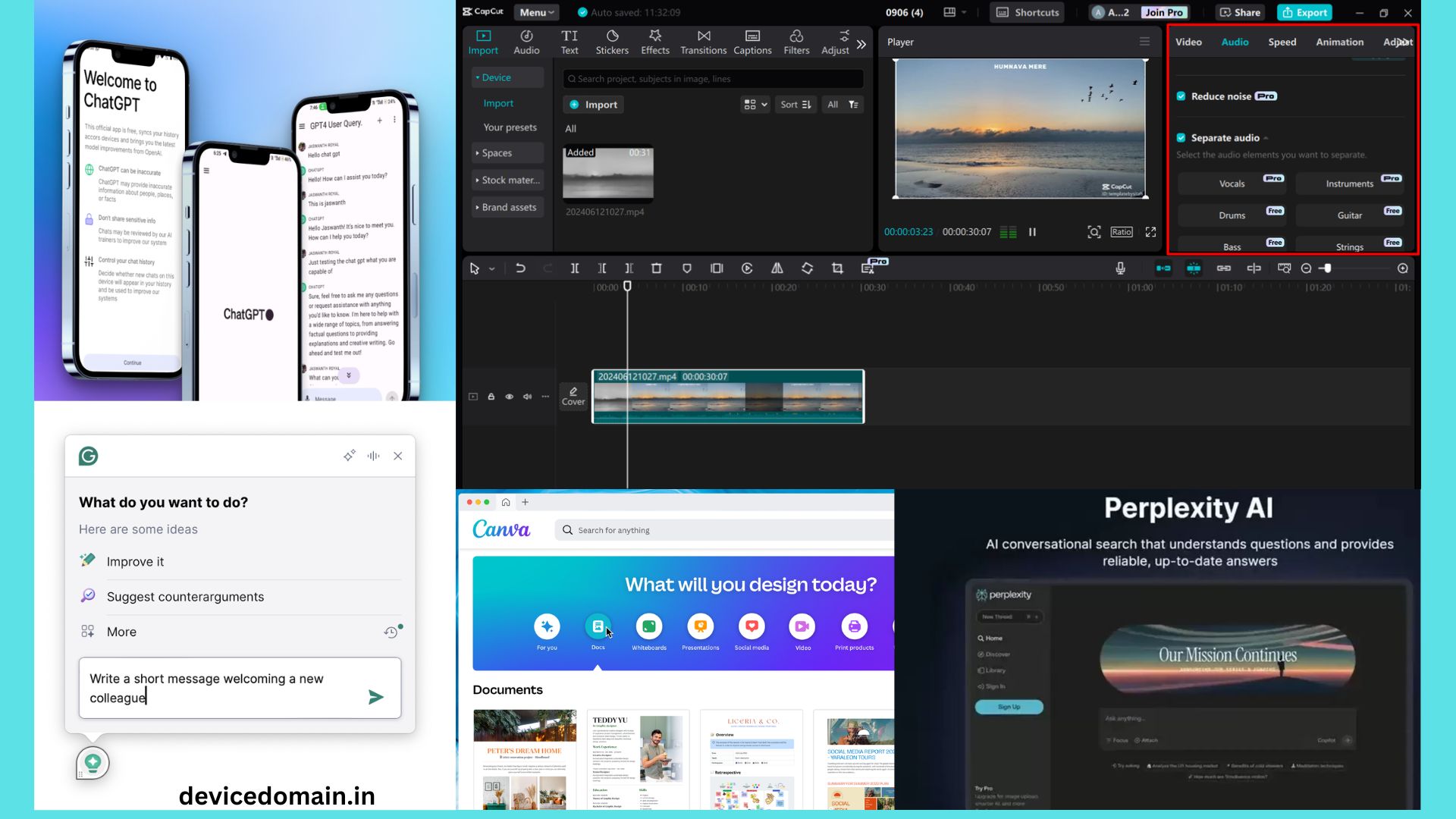
AI tools help people finish tasks faster.
Many tools now offer strong free plans.
Students, writers, and workers use them daily.
They help with writing, art, code, and study.
Most tools work inside a web browser.
Some also offer mobile apps.
This guide reviews the best free AI tools in 2026.
Each tool solves a clear problem.
You will learn the what each tool does well.
You will also see its limits.
All AI tools tools listed here offer a free plan.
ChatGPT
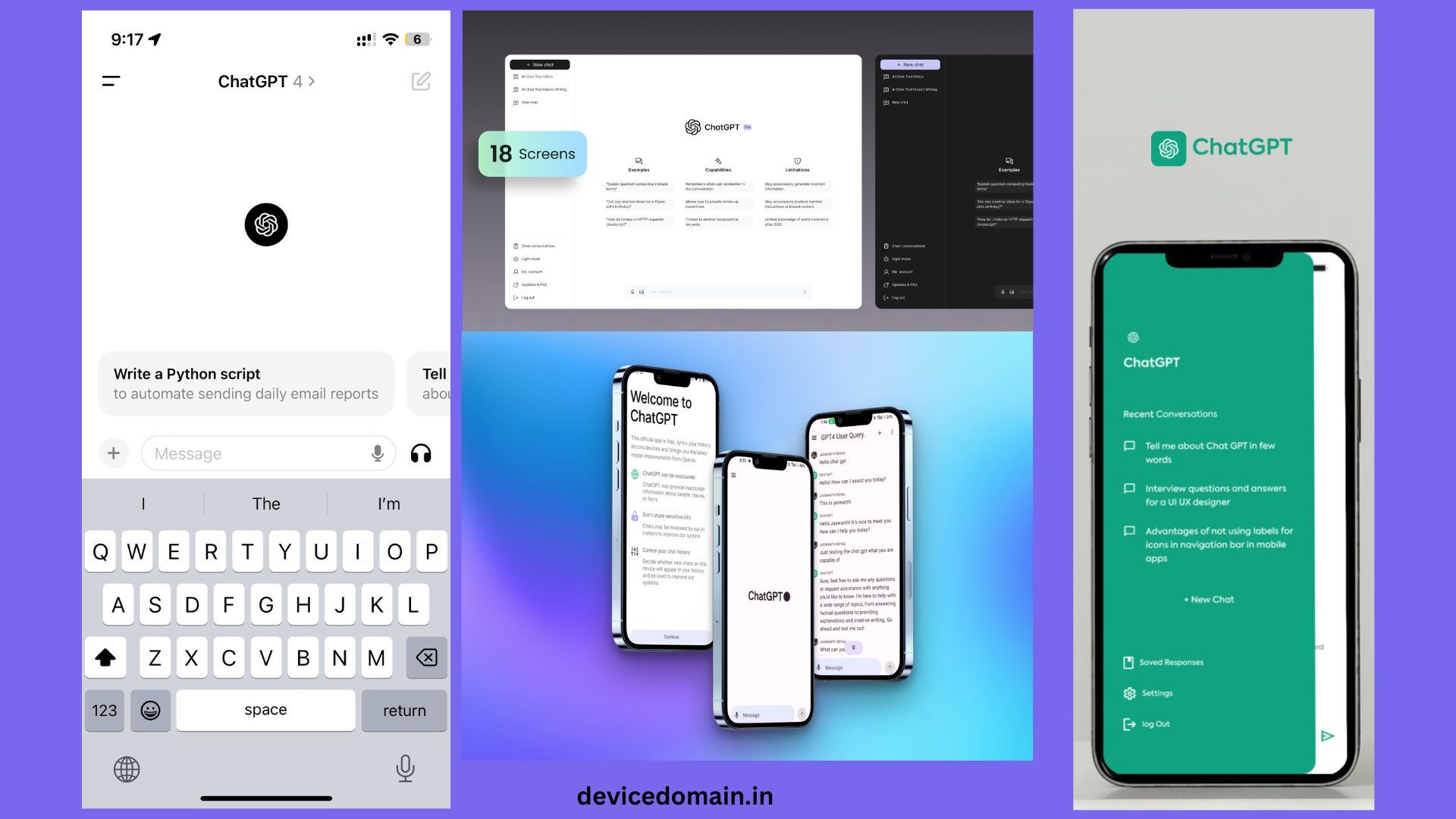
ChatGPT remains one of the most used AI tools today.
People use it for writing, study help, and quick answers.
The tool works like a chat with a smart helper.
You type a question or task.
The AI gives a clear reply in seconds.
What ChatGPT Does Well
ChatGPT writes articles, emails, and notes.
It can also explain hard topics in simple terms.
Students use it to learn math, science, and history.
Writers use it to plan blog posts.
It also helps fix grammar and spelling.
ChatGPT can help with coding tasks too.
It explains code and helps fix errors.
Free Plan Features
The free plan gives access to strong AI models.
You can chat, ask questions, and create text.
It will works well for most daily tasks.
Limits
The free plan has message limits during busy hours.
Some advanced tools require a paid plan.
Why People Use It
ChatGPT saves time on research and writing.
It acts like a fast assistant.
For many users, it replaces search engines for simple tasks.
Canva AI
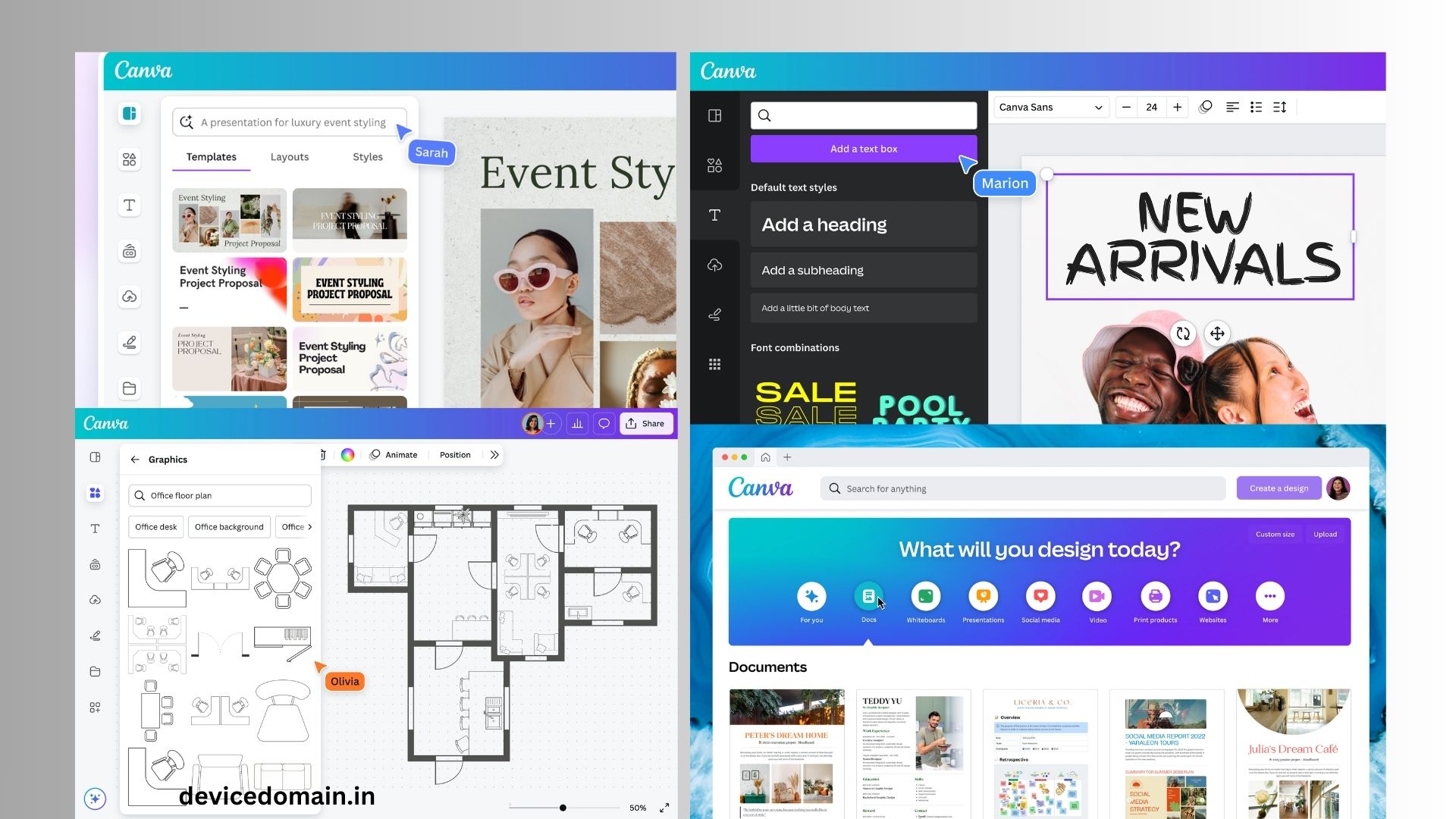
Canva remains a top tool for design work.
Even beginners can create strong graphics.
The platform now includes many AI tools.
What Canva AI Does Well
Users can create social media posts quickly.
You only type a short prompt.
The AI builds a full design layout.
Canva also creates slides and posters.
Another tool turns text into images.
This helps create unique art.
Free Plan Features
The free plan includes many templates.
Users also get basic AI design tools.
You can create posts, slides, and posters.
Cloud storage is also included.
Limits
Some premium templates are require a paid plan.
Certain AI image styles also require payment.
Why People Use It
Canva makes design easy for beginners.
It saves time for social media work.
Small business owners often rely on it daily.
Grammarly AI
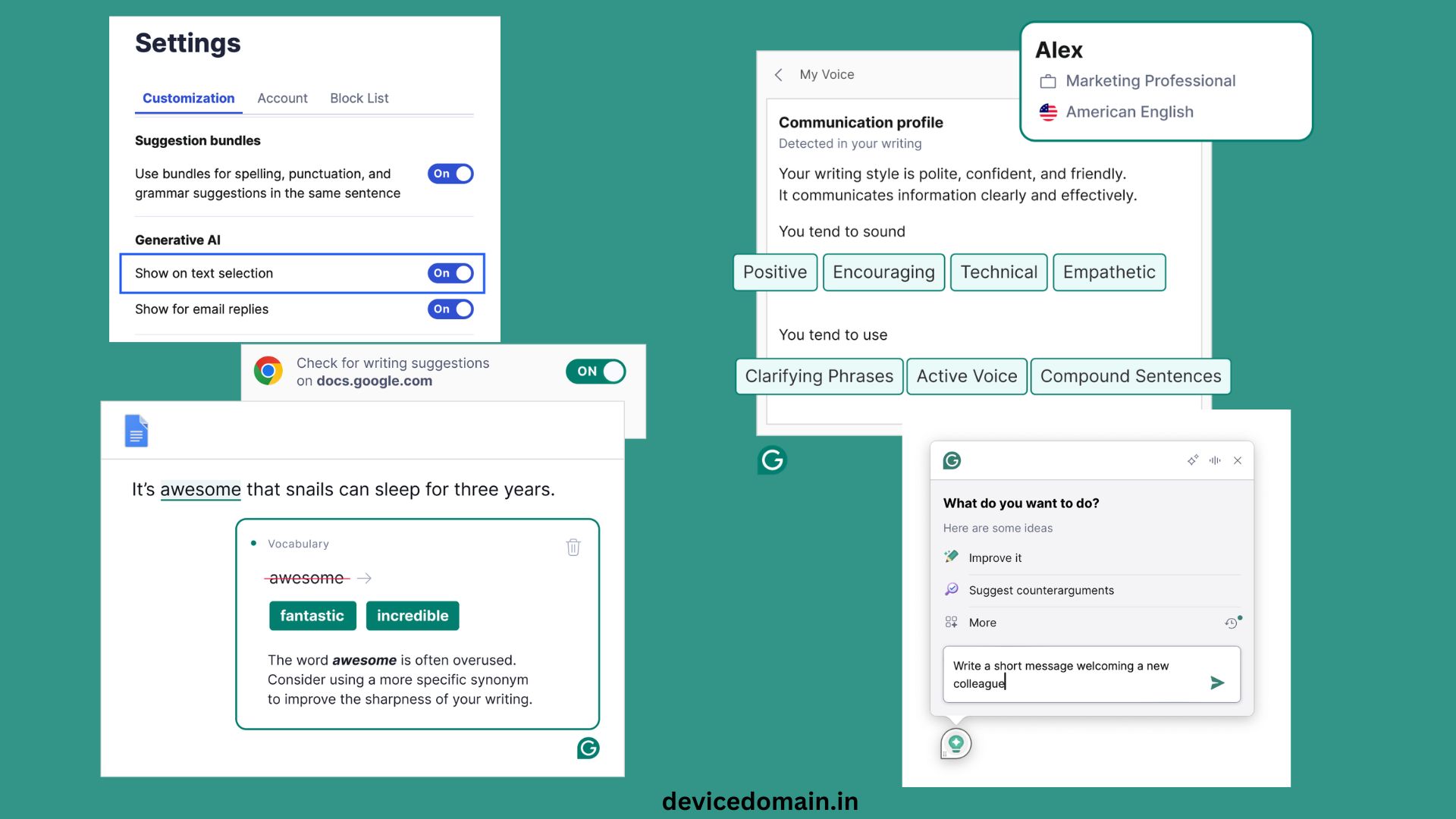
Grammarly helps users improve their writing.
It checks grammar, spelling, and tone.
Many students and workers are use it daily.
What Grammarly AI Does Well
The tool scans text for errors.
It suggests better words and phrases.
It also helps improve sentence flow.
Writers use it to polish emails and reports.
The AI can also rewrite sentences.
Free Plan Features
The free plan checks grammar and spelling.
It also suggests tone changes.
Users can install the browser add-on.
It works in email, documents, and websites.
Limits
Advanced writing AI tools tools require a paid plan.
These include full rewrite tools.
Why People Use It
Grammarly improves writing quickly.
It helps users avoid simple mistakes.
Many people keep it active all day.
Perplexity AI
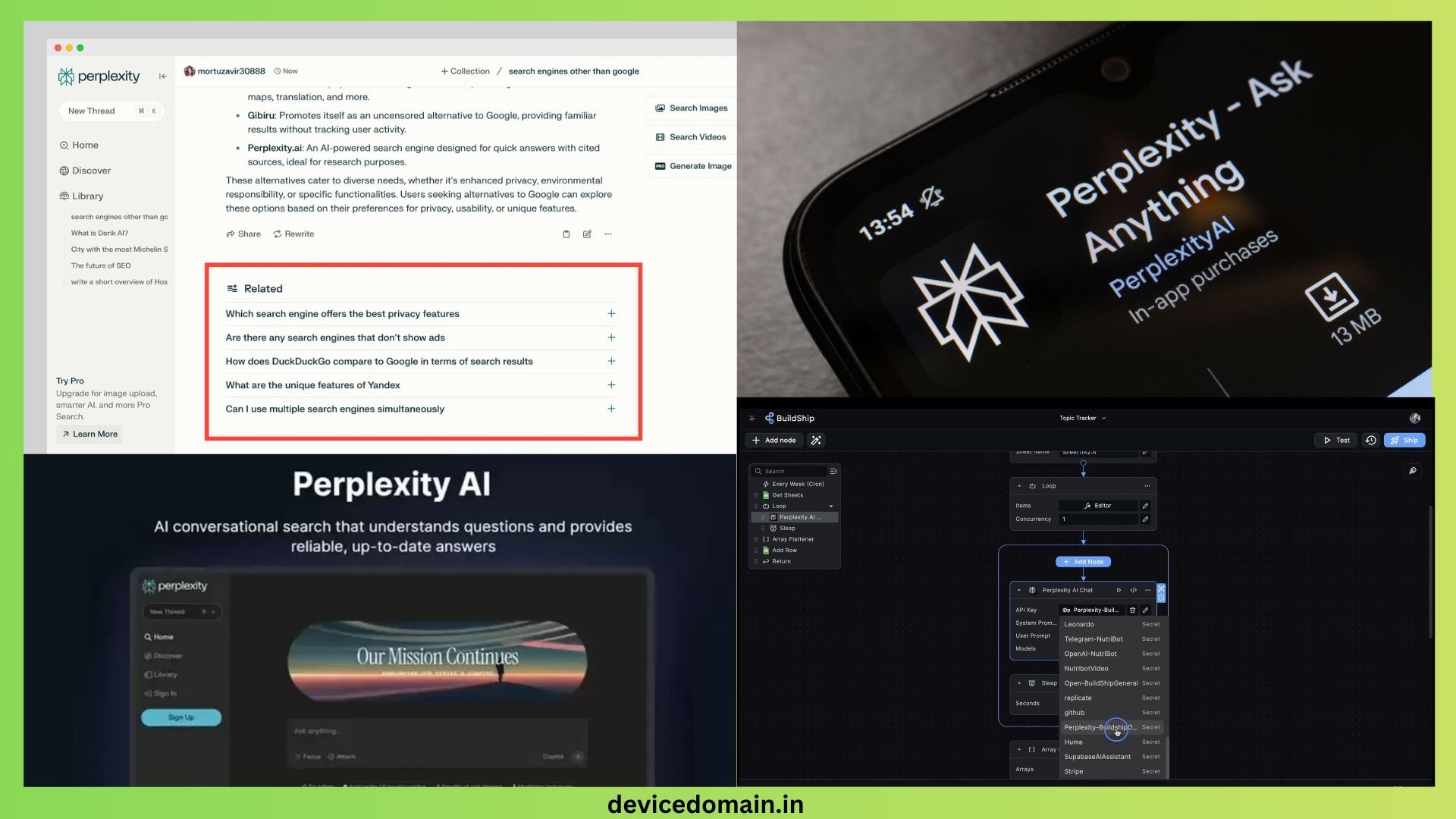
Perplexity AI tools is acts like as a smart search tool.
It mixes AI chat with search results.
Users ask questions like they would in chat.
What Perplexity Does Well
The tool gives direct answers quickly.
It also shows the sources used.
This helps users check facts easily.
Students use it for quick research.
It works well for study and news topics.
Free Plan Features
Users can ask many questions each day.
Basic AI models remain free.
The tool works well for daily search.
Limits
Some advanced models require payment.
Why People Use It
Perplexity saves time during research.
You get a clear answer with sources.
This helps students and writers.
Leonardo AI
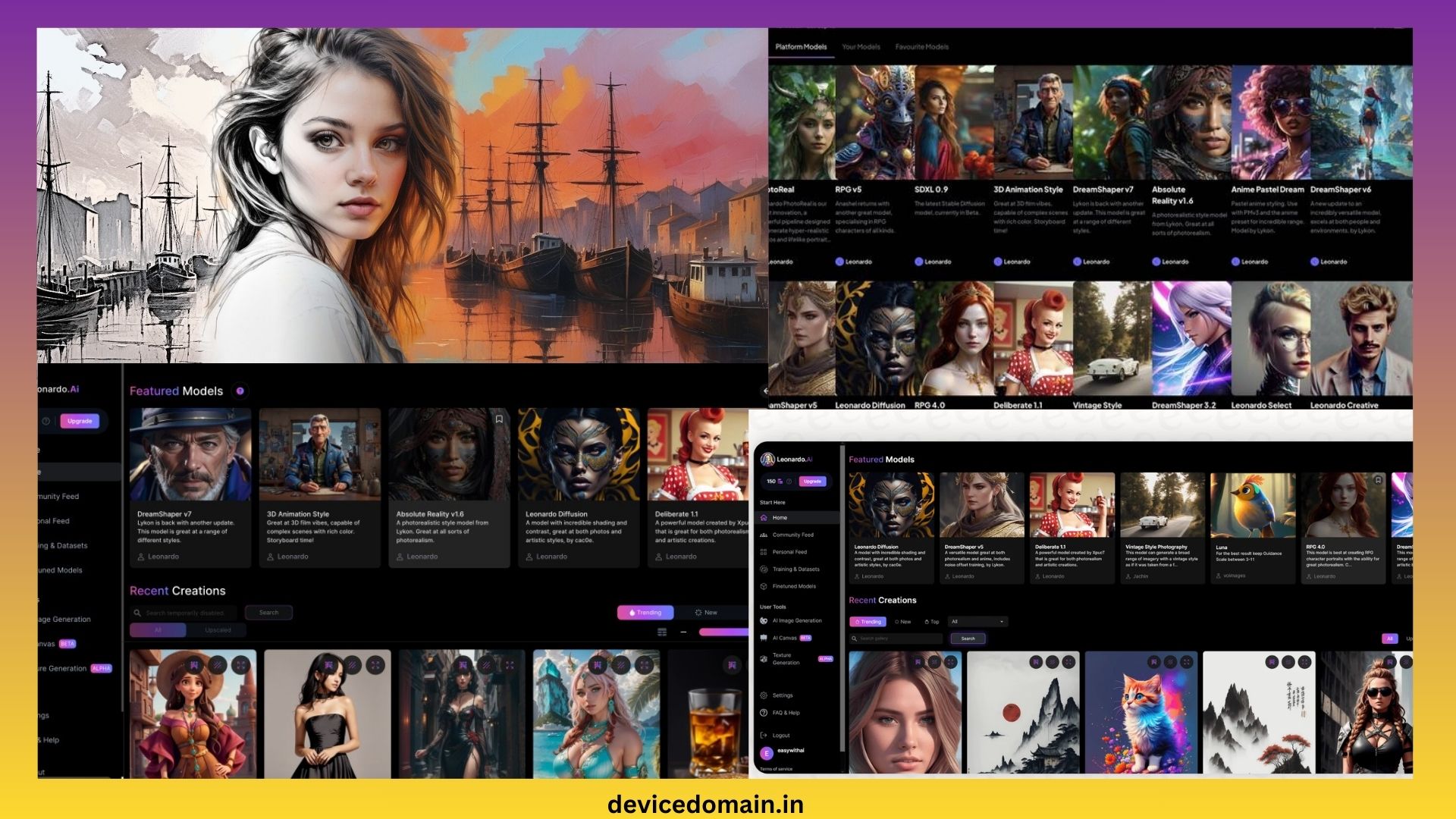
Leonardo AI helps users create AI art.
Artists and game makers use it often.
You type a short prompt.
The AI creates a new image.
What Leonardo AI Does Well
The tool creates strong digital art.
Images often look sharp and detailed.
Users can generate fantasy art or game assets.
Designers also create concept images.
Free Plan Features
The free plan gives daily image credits.
Users can create several images each day.
Many art styles are available.
Limits
Heavy users may run out of daily credits.
Why People Use It
Leonardo AI tools helps people create art fast.
It removes the need for drawing skills.
Many creators use it for ideas.
Runway ML
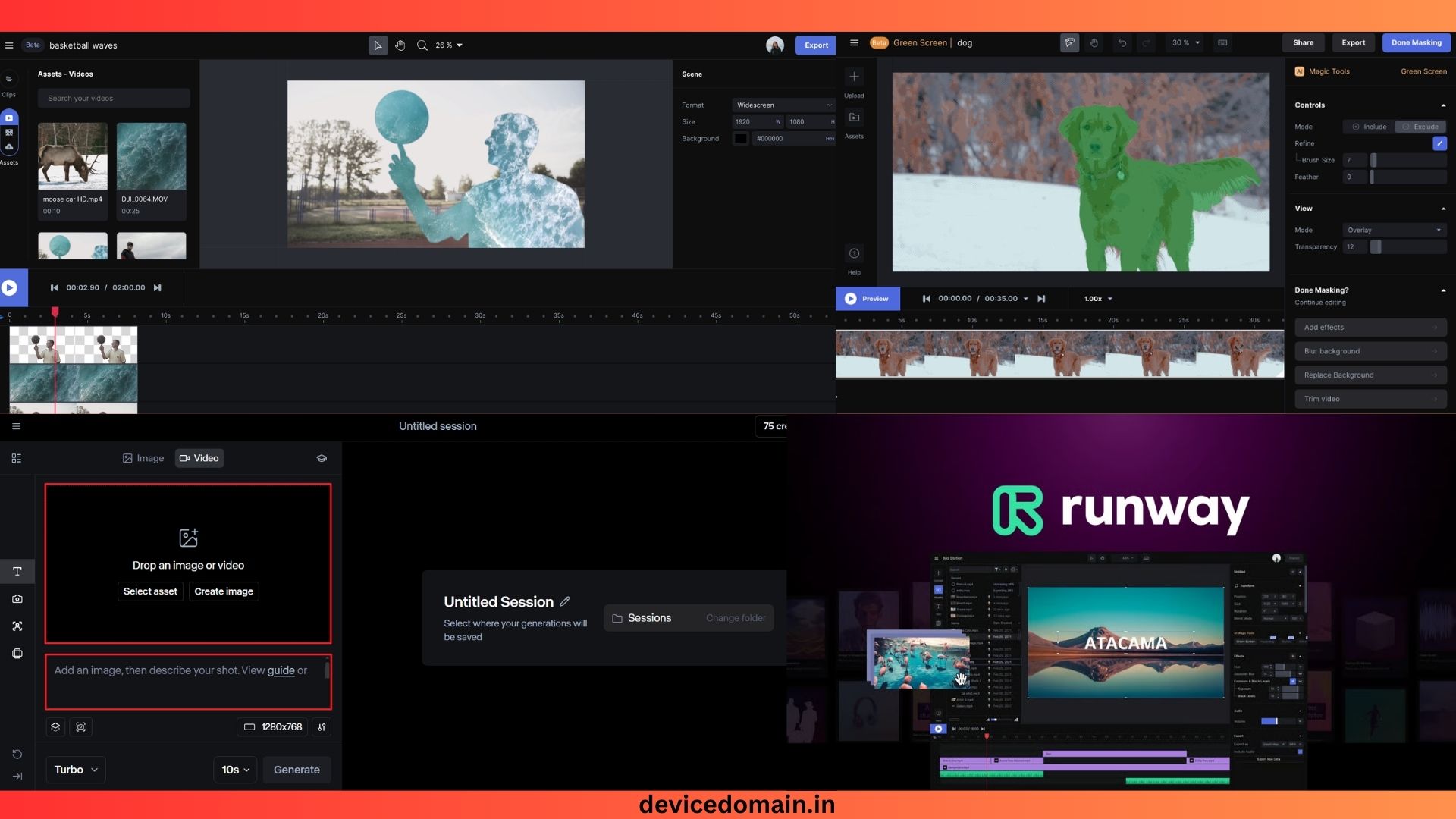
Runway ML focuses on video creation.
Video creators use it to edit and create clips.
Many AI video tools exist inside the platform.
What Runway ML Does Well
The AI tools can remove objects from video.
It can also change backgrounds.
Another tool turns text into short video clips.
Editors use it for social media videos.
Free Plan Features
Users get limited export credits.
Basic video tools remain free.
The platform runs in a web browser.
Limits
High-resolution video exports require payment.
Why People Use It
Runway ML speeds up video editing.
It saves hours of manual work.
Creators are use it for YouTube and short videos purpose.
Notion AI
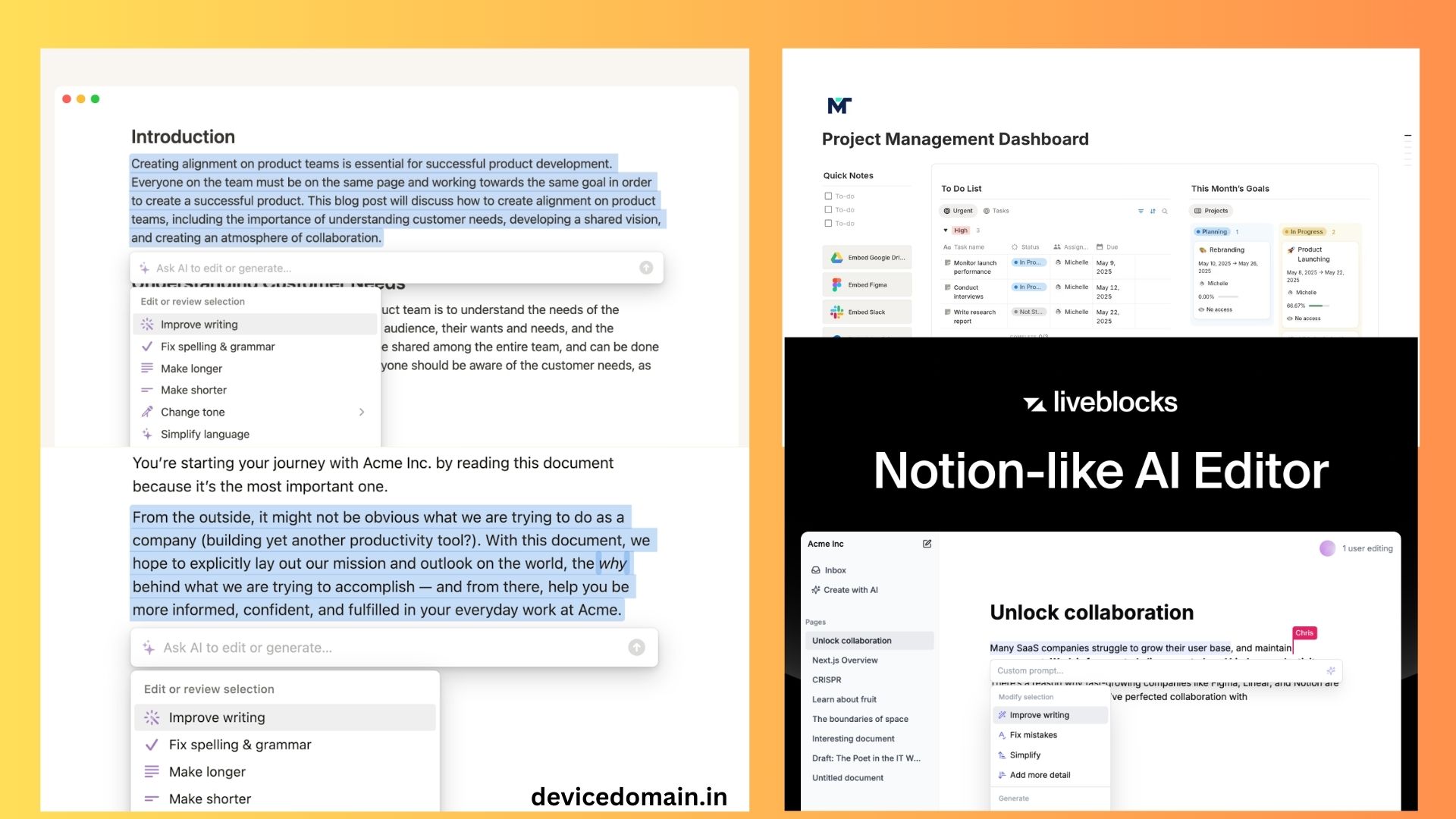
Notion blends notes, tasks, and planning.
The AI tool works inside documents.
It helps users write and plan work.
What Notion AI Does Well
The AI writes summaries and notes.
It also helps plan tasks.
Students use it for study notes.
Teams use it for project planning.
Free Plan Features
Users can create pages and notes.
Basic AI tools work inside documents.
Cloud sync also works across devices.
Limits
Heavy AI use requires a paid plan.
Why People Use It
Notion keeps work and notes in one place.
The AI helps speed up writing tasks.
Many peoples are use it as a daily planner.
CapCut AI
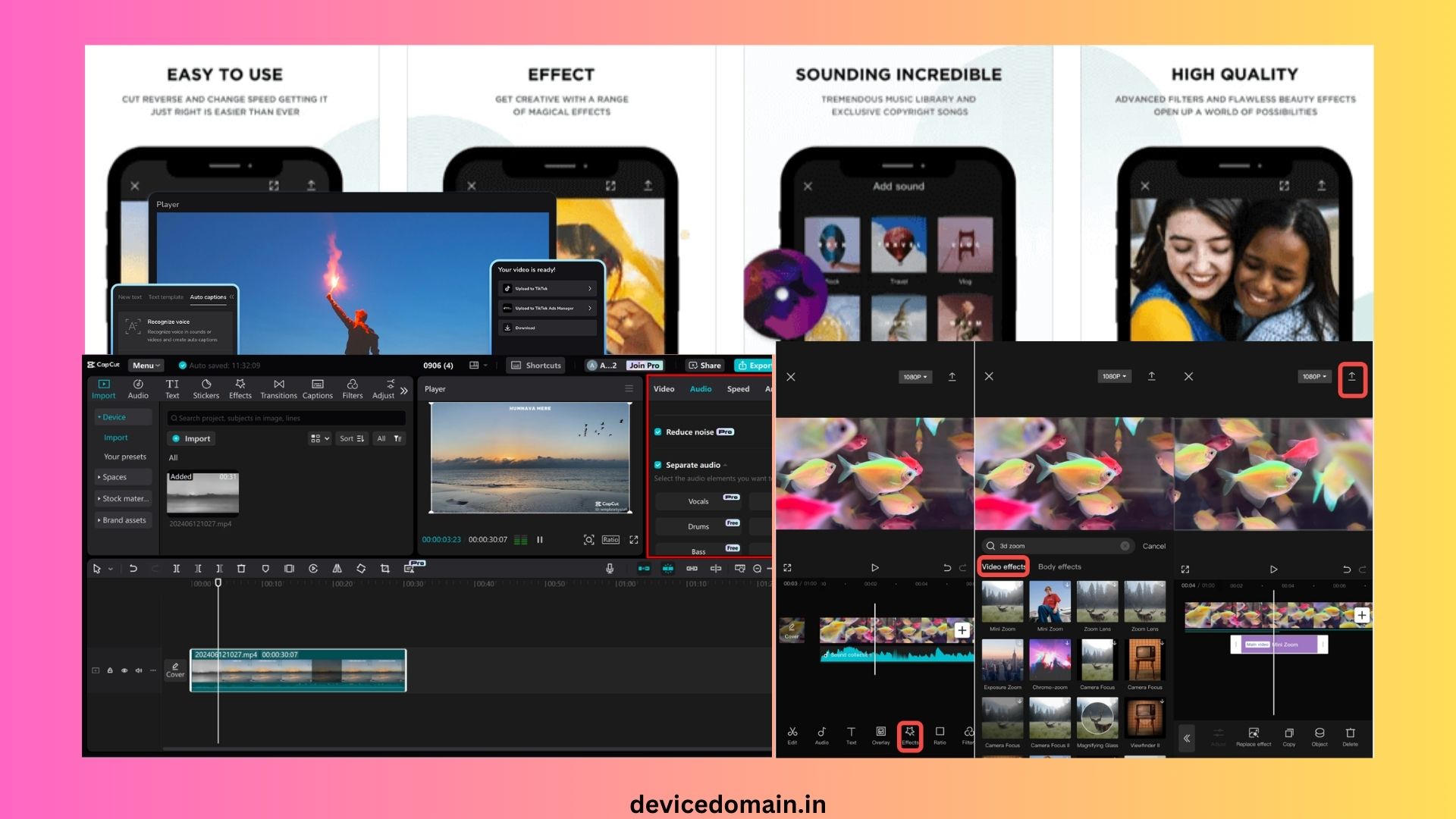
CapCut remains a top tool for video editing.
It works on phones and desktop systems.
Many AI features help creators edit faster.
What CapCut AI Does Well
The tool adds auto captions to videos.
It also removes video backgrounds.
Users can apply quick effects and filters.
Short video creators use it daily.
Free Plan Features
Most editing tools remain free.
Users can export videos without cost.
Templates also help create videos fast.
Limits
Some effects require payment.
Why People Use It
CapCut is makes the video editing easy for beginners.
It helps create social media videos quickly.
How AI Tools Help Daily Life
AI tools the reduce time spent on the routine tasks.
Students use them for study help.
Writers use them for research and editing.
Designers create graphics and art faster.
Video creators edit content in minutes.
Workers also use AI for emails and reports.
These tools increase speed and improve output.
Tips for Using AI Tools
Start with clear prompts.
Short prompts often work best.
Break large tasks into small steps.
Check AI results for errors.
AI can still make mistakes.
Use AI tool as a helper, and not a replacement.
Human review always improves results.
Final Thoughts
Free AI tools improved a lot in recent years.
Many powerful tools now cost nothing.
Users can write, design, research, and edit content.
The best tools for most people include:
- ChatGPT for writing and answers
- Canva AI for design work
- Grammarly for writing fixes
- Perplexity for research
- Leonardo AI for image creation
- Runway ML for video editing
- Notion AI for planning and notes
- CapCut AI for social media videos
Each tool solves a different task.
Using several tools together works best.
AI tools will keep improving in the coming years.